Tutorials • Webuzo
Viewing a log file or authentication log in the Webuzo administration panel.
In this tutorial, we will show you how to view a log file or authentication log in the Webuzo admin panel.
Views 1166Updated 17 orePublished on 17/08/2017by Florin P.
⚠️ Note: This article contains outdated or no longer relevant information. Certain instructions, commands, or configurations may no longer work correctly. For updated solutions, check the recent documentation or contact the support team.
Introduction
- In this tutorial we will show you how to view a login log file in the Webuzo administration panel.
Requirements
- A Webuzo account
Steps
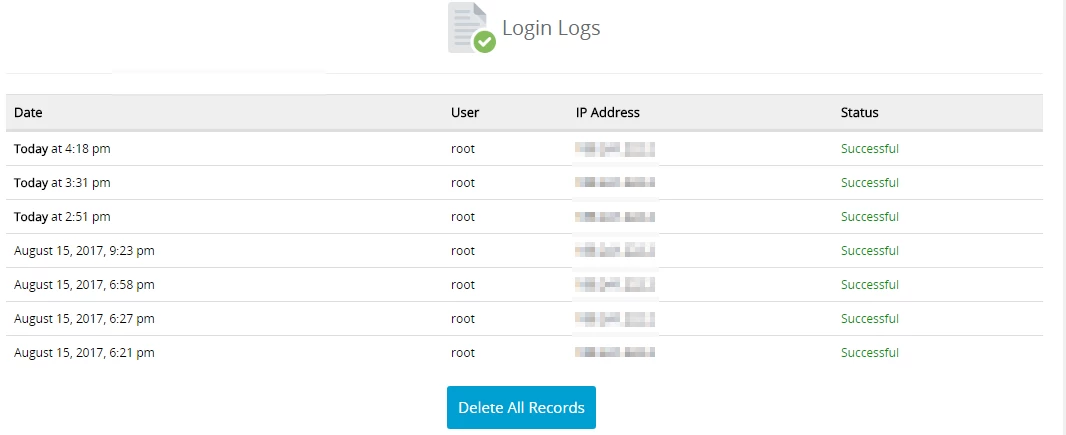
- After logging into the Webuzo panel, we will go to the Server Utilities section and click on Login Logs.

- On the next page, we have the following information available about the logins in the Webuzo admin panel:
- Date in the format - month/day/year/hour.
- User/utilizator - root.
- IP Address - the IP address from which authentication was made.
- Status - the state of the authentication attempt.
- To delete all records we can click on Delete All Records.