Tutorials • cPanel
Email forwarding in cPanel
cPanel allows an unlimited number of email message redirects from one mailbox to another, whether it is internal or external.
1
Views 1548Updated 2 aniPublished on 24/09/2017by Cătălin A.
Introduction
This article explains the necessary steps for redirecting messages from an email inbox in the cPanel to another address regardless of its extension.
Requirements
- a cPanel account
- an email address on that cPanel account
Steps to Follow
- after logging into the cPanel control panel, in the interface that will be displayed, we look for the section "EMAIL ADDRESS", and there we click on "Forwarders".

-
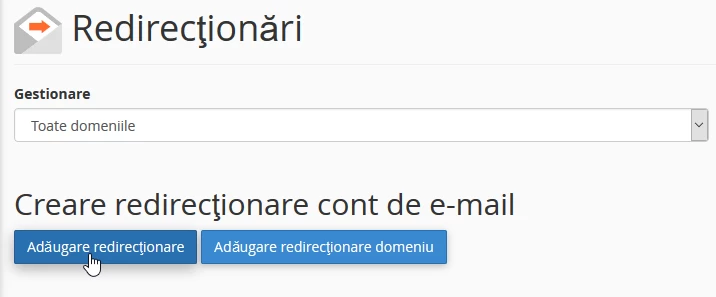
In the window that will open, we will click on 'Add redirect''
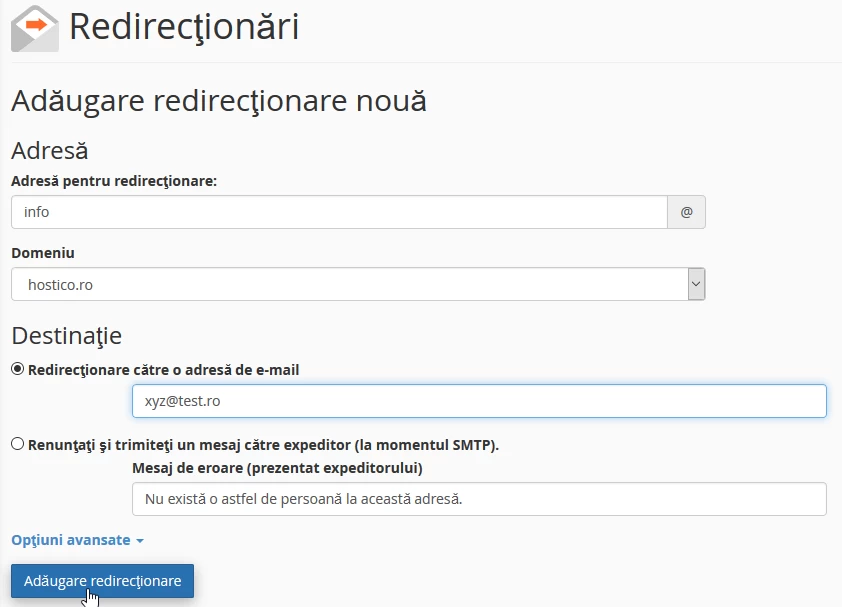
- in the next window we will fill in the box ''Redirect Address'' - the name of the address we want to redirect
- in the ''Domain'' box we will select the domain on which the email address is created, as there may be multiple in the case where the account hosts multiple domains
- in the ''Destination, '' box, we will fill in the email address to which the redirect is desired, after which we click on ''Add redirect''